How to Draw Bowser Jr. in His Clown Car Step by Step | The Super Mario Galaxy Movie

Comment Dessiner Bowser Jr. dans sa Koopa-Mobile (Clown Car) Étape par Étape | Super Mario Galaxy : Le Film

If you want to learn how to draw Bowser Jr. in his Clown Car step by step, this tutorial shows you an easy way to do it from scratch.

Bowser Jr. is one of the most charismatic characters in the Mario universe, and his iconic Clown Car makes this drawing especially fun. With this step-by-step guide, you’ll be able to recreate it easily—even if you’re just starting out. Perfect for beginners, kids, and Mario fans.

Get your materials ready… and start drawing!

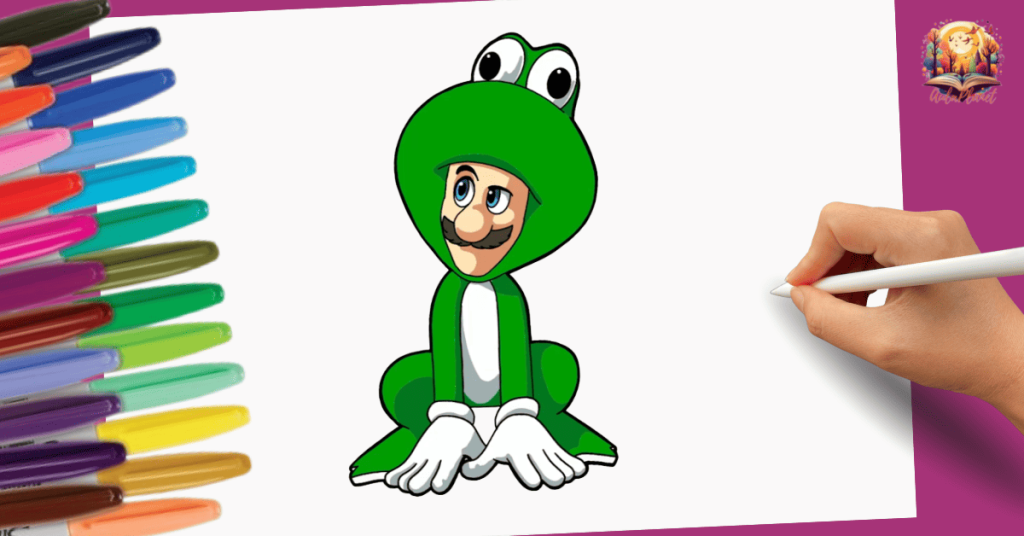
✨ More characters from The Super Mario Galaxy Movie to draw ✨
To create this drawing, you only need a few basic materials:

• Pencil – See on Amazon
• Eraser – See on Amazon
• Black marker – See on Amazon
• Colored pencils or markers – See on Amazon
• Drawing paper – See on Amazon

With these materials, you’ll be able to draw and color Bowser Jr. easily.

How to Draw Bowser Jr. in His Clown Car Step by Step

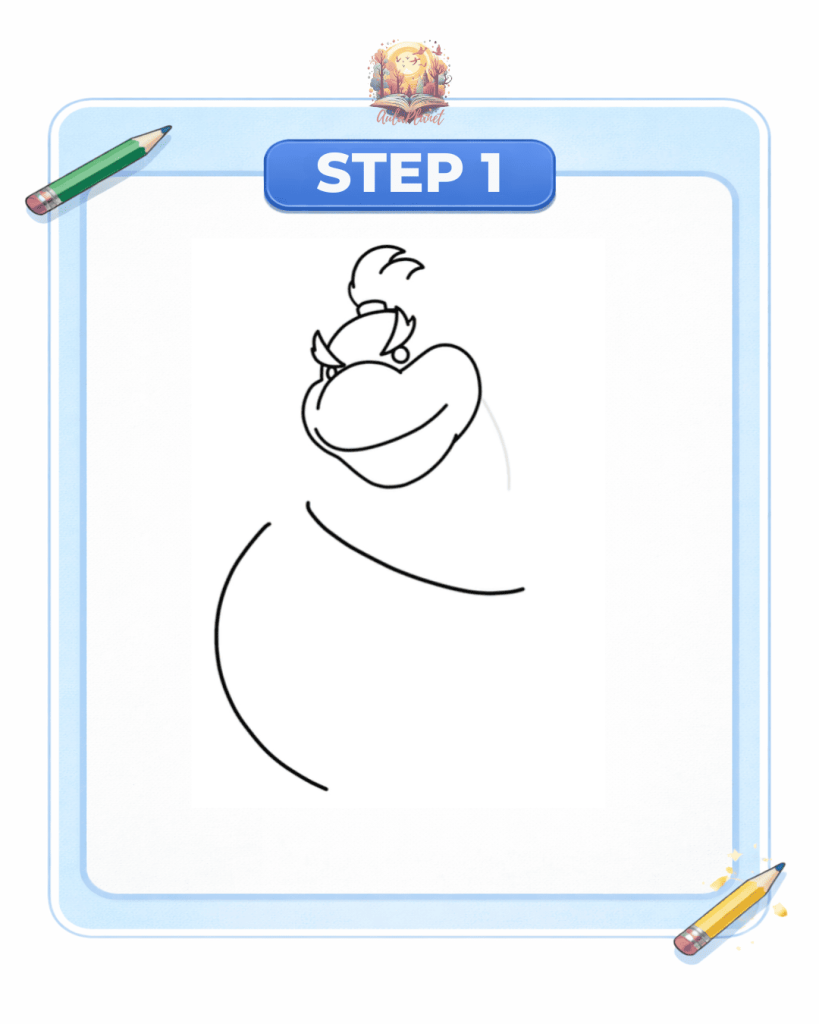
Step 1: Head and car base

Start by drawing Bowser Jr.’s head, focusing on his large snout, smile, and eye shape. Add his small signature hair tuft on top.

Then draw a large curved line to create the base of the Clown Car.

bowser jr koopa mobile étape 1 tête croquis

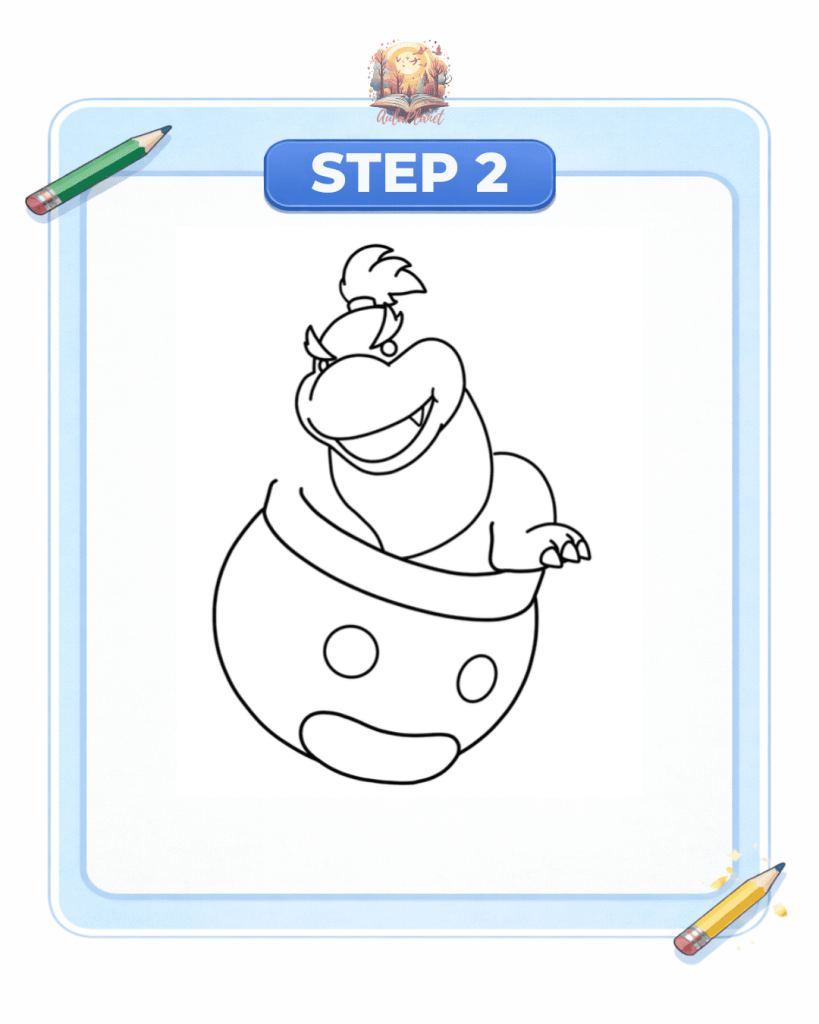
Step 2: Body and Clown Car

Now complete the upper part of Bowser Jr.’s body and place him inside the car.

Draw the Clown Car, including its rounded shape and facial details (eyes and mouth). Add one arm resting on the edge.

bowser jr clown car étape 2 corps véhicule

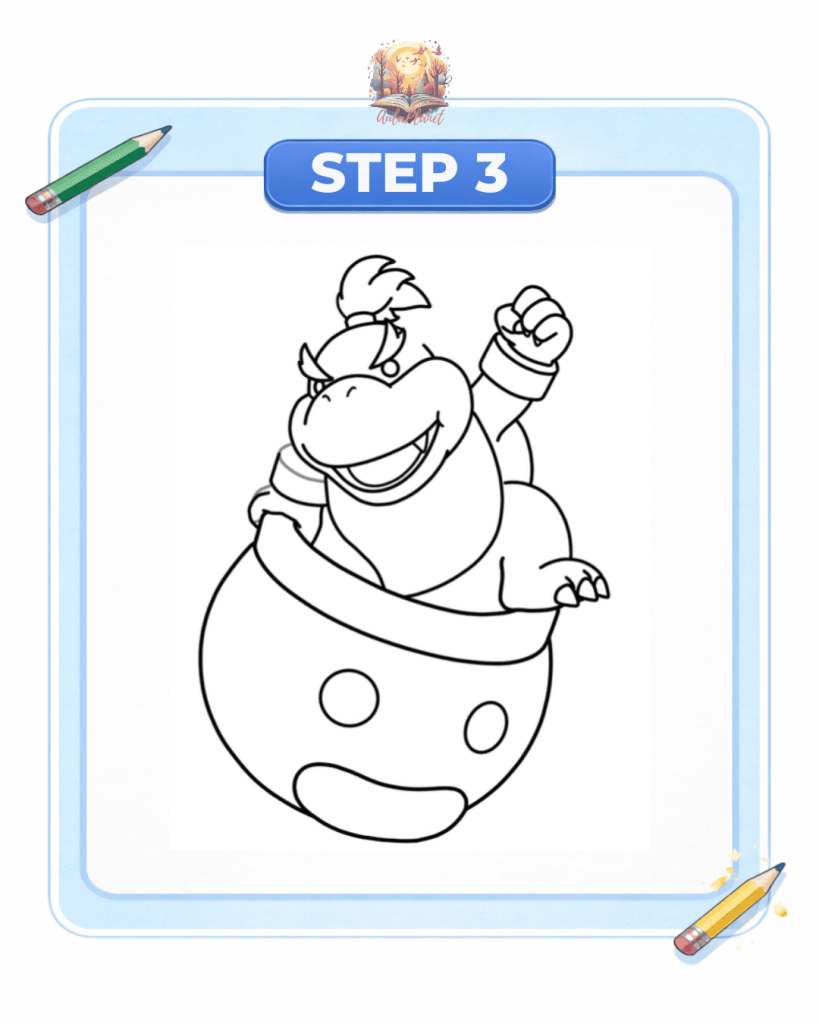
Step 3: Arms and pose

Draw the other arm raised in action and add details to the hands.

Refine Bowser Jr.’s body and pose to give the drawing more movement and energy.

dessin bowser jr étape 3 bras posture

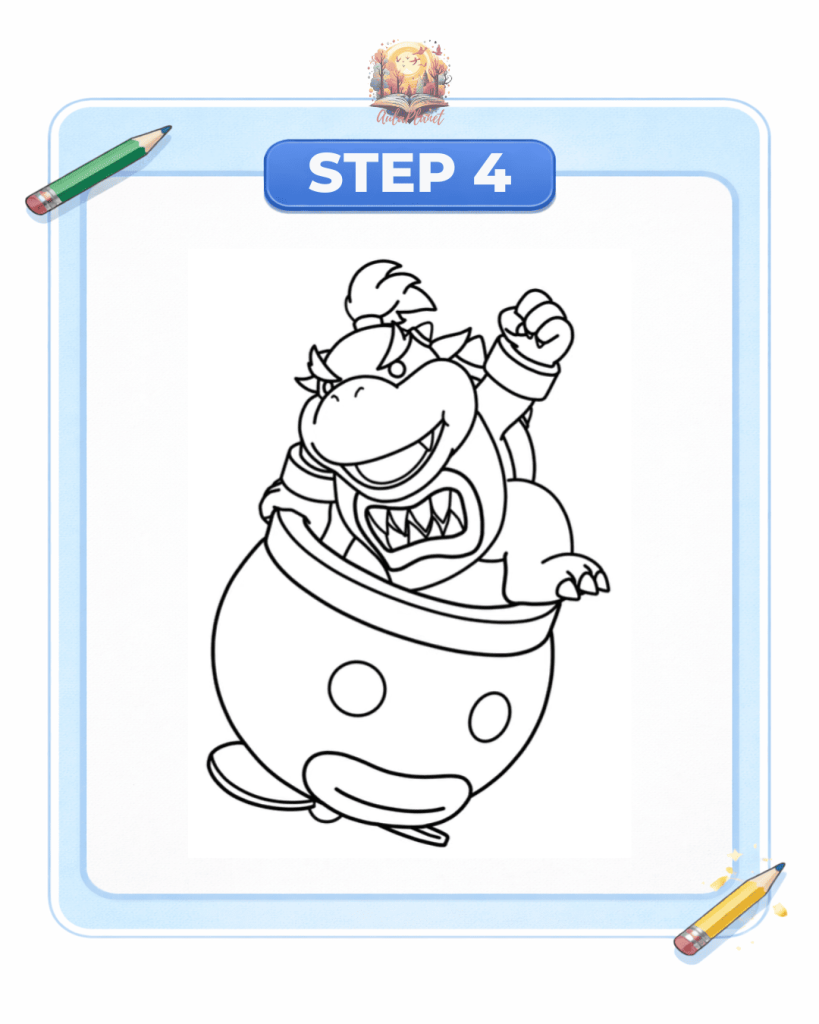
Step 4: Character and car details

In this step, add the key details:

  • Shell spikes
  • More aggressive mouth with teeth
  • Wristbands
  • Clown Car details

At this point, the drawing starts to look complete. Once finished, outline with a marker and erase the pencil lines.

bowser jr étape 4 détails croquis final

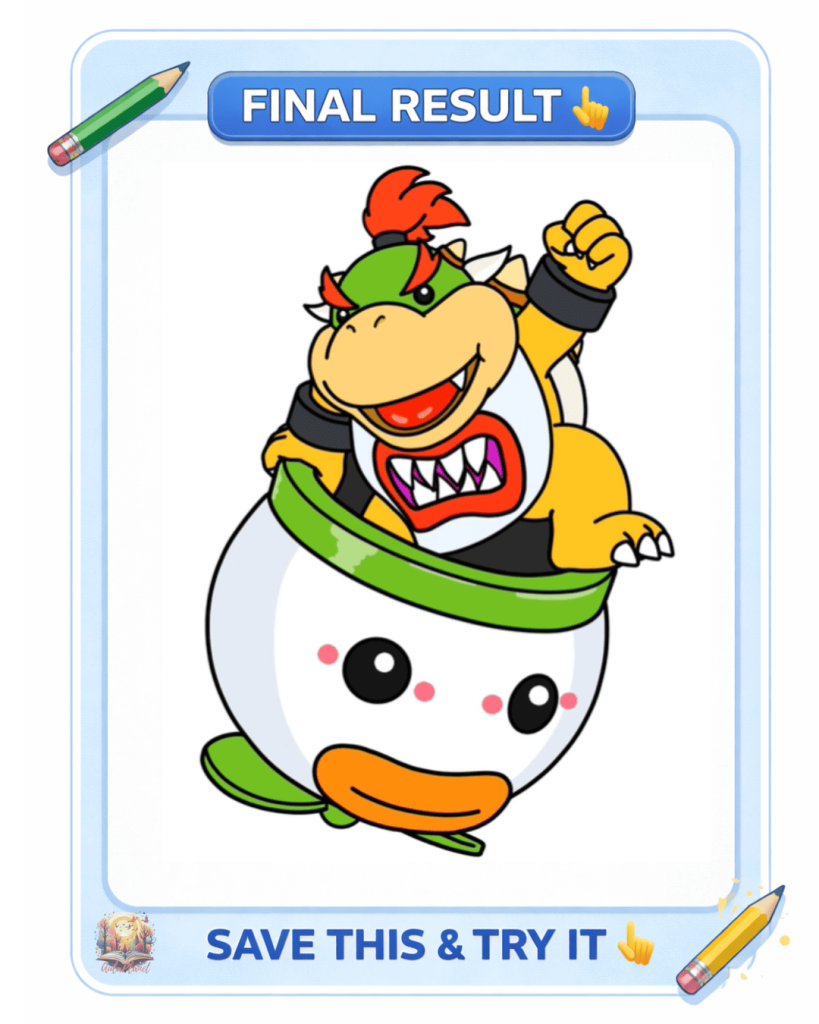
Step 5: Coloring

For coloring, use:

  • Green (car edge)
  • White and gray (Clown Car structure)
  • Yellow (Bowser Jr.’s body)
  • Red and orange (mouth and details)
  • Black (eyes and outlines)

💡 Tip: add soft shadows and small highlights to give your drawing a more professional finish.

bowser jr koopa mobile dessin final colorié

✨ More characters from The Super Mario Galaxy Movie to draw ✨
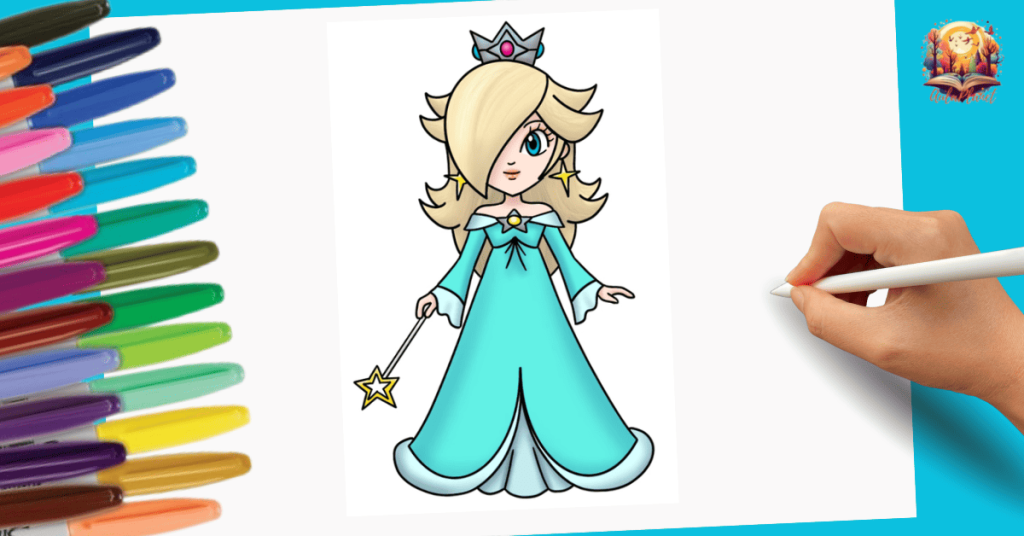
✨ More content from The Super Mario Galaxy Movie ✨

Discover coloring pages, papercrafts, and step-by-step tutorials from The Super Mario Galaxy Movie.

Download ready-to-print coloring pages from The Super Mario Galaxy Movie.

Create figures and boxes from The Super Mario Galaxy Movie with printable templates.

Learn how to draw characters from The Super Mario Galaxy Movie easily.

Leave a Reply

Your email address will not be published. Required fields are marked *

Go up

Don’t miss the new tutorials and free drawings every day

— Free step by step drawings —