How to Draw Entity 303 from Minecraft Step by Step
Discover how to draw Entity 303, one of the most mysterious characters in the Minecraft universe, with this simple tutorial for beginners. You’ll learn how to build its silhouette, shape its shadowy face, and add details to its cloak until you achieve the final colored result.



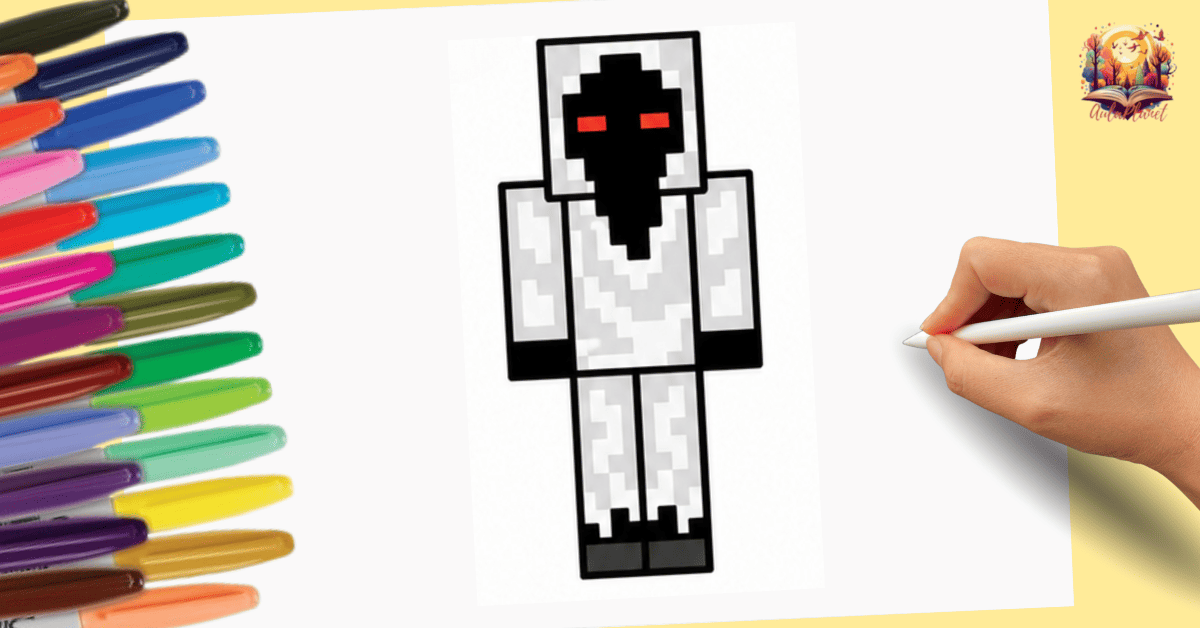
Materials for Drawing Entity 303
Before starting this Minecraft-themed tutorial, have these basic drawing materials ready. They’ll help you complete each step with more precision and achieve a neat finish.
How to Draw Entity 303 Step by Step
Follow each stage to bring Entity 303 to life. We'll start with the overall silhouette, then draw the face and eyes, and finish with the details of the clothing and the final coloring.
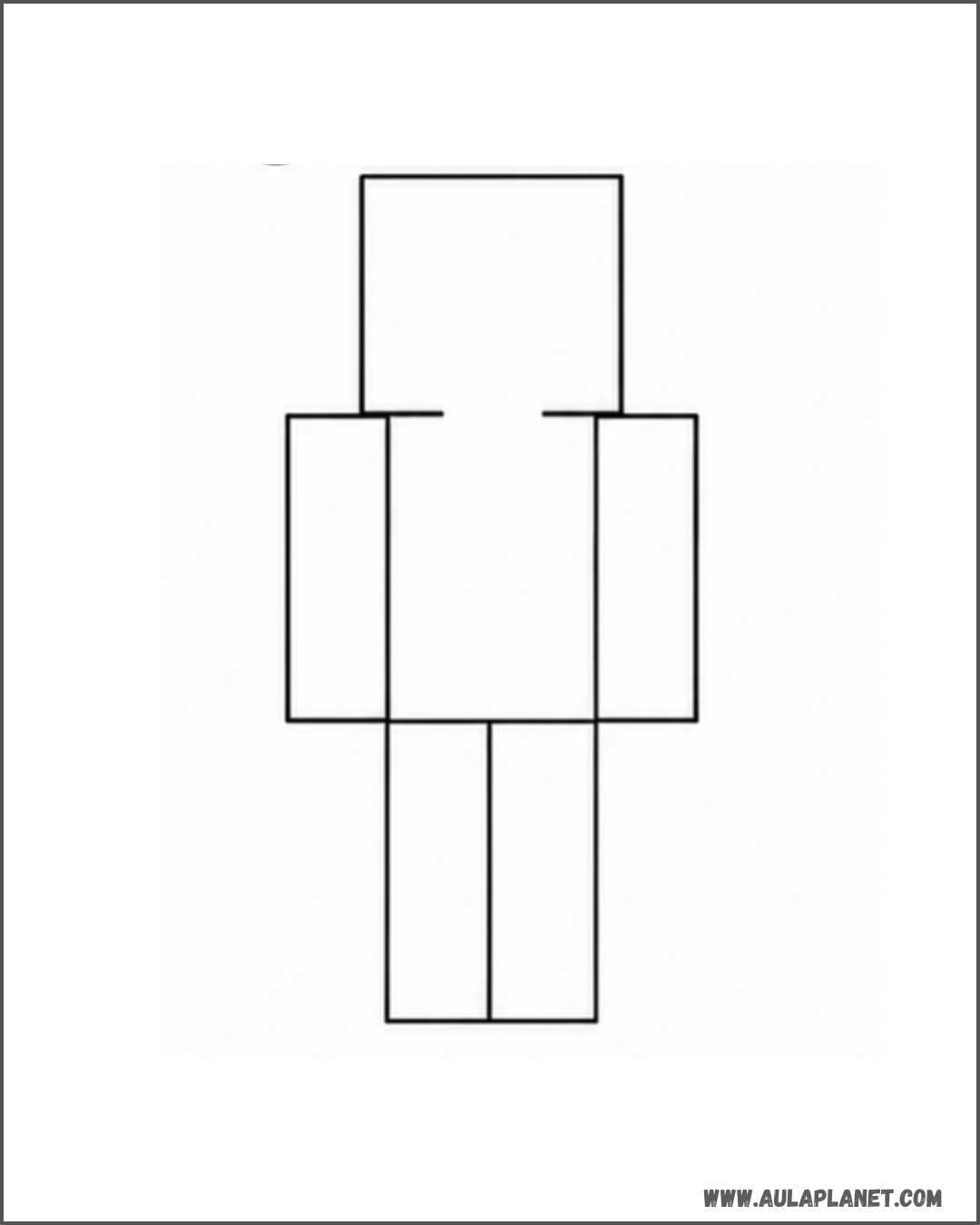
Draw the base shape of the body
Start by outlining the general silhouette of Entity 303: the square head, torso, arms, and legs. Use straight and simple lines, in keeping with Minecraft’s signature blocky style.
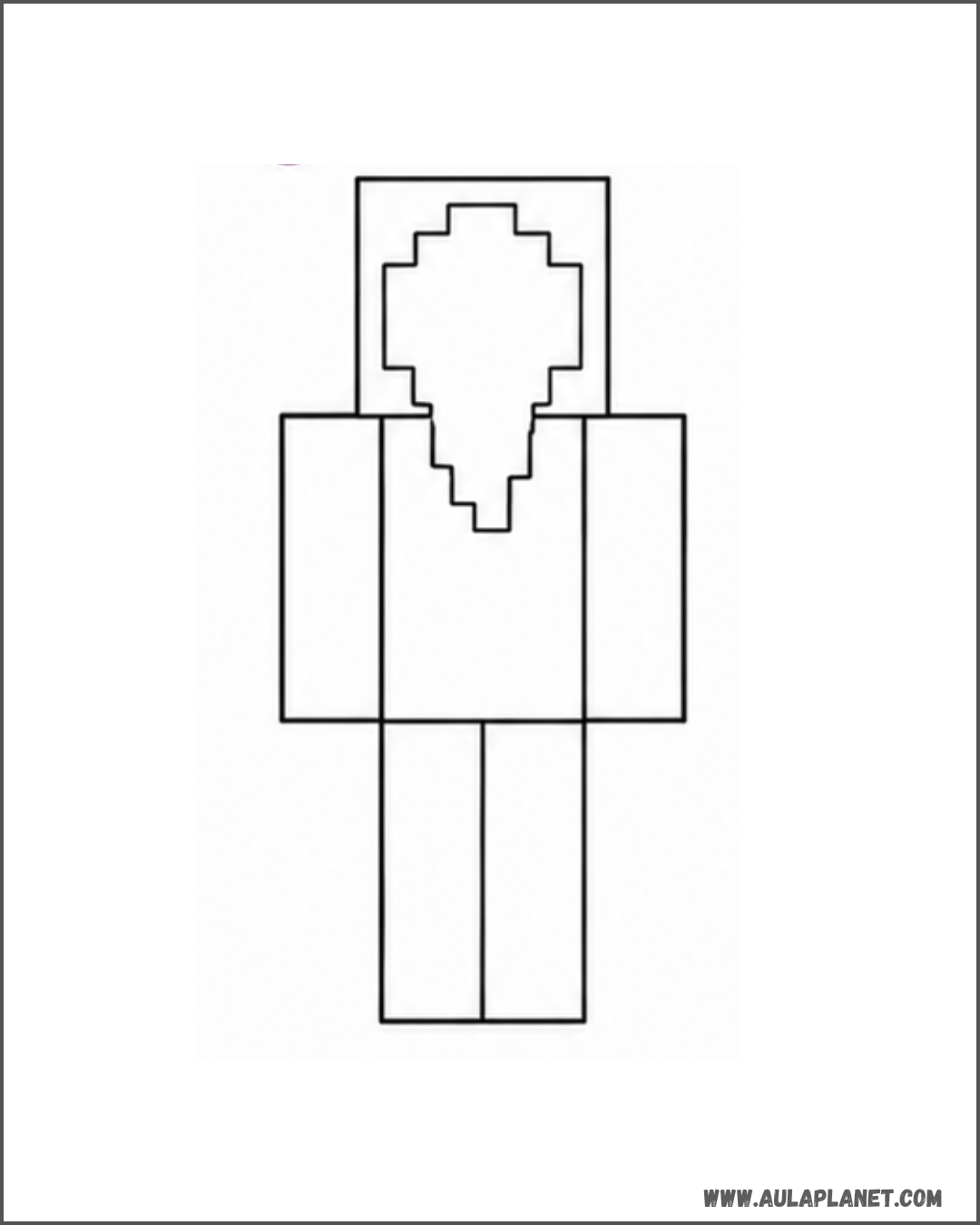
Draw the face
Inside the square head, draw the long, sharp shape of Entity 303’s face, leaving an irregular contour that goes down to the chin. This outline will set up its unsettling expression.
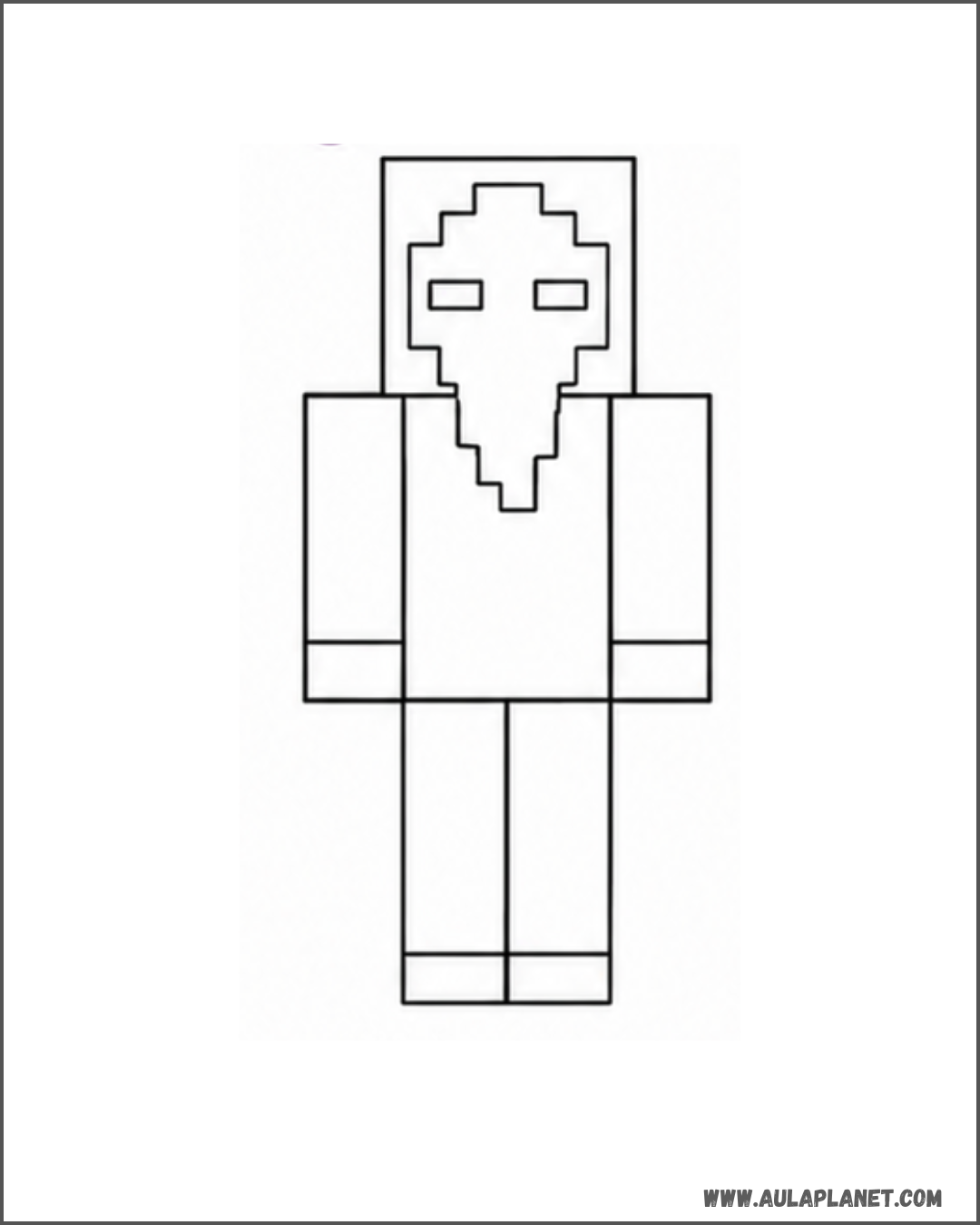
Draw the eyes
Add two small rectangles at the top of the face to mark the eyes. Leave them blank for now; they’ll be colored later to create that signature reddish glow.
Add the clothing details
Add lines for the cloak: folds on the chest, arms, and legs to give some texture and volume to the character. These details are what give Entity 303 its worn look.
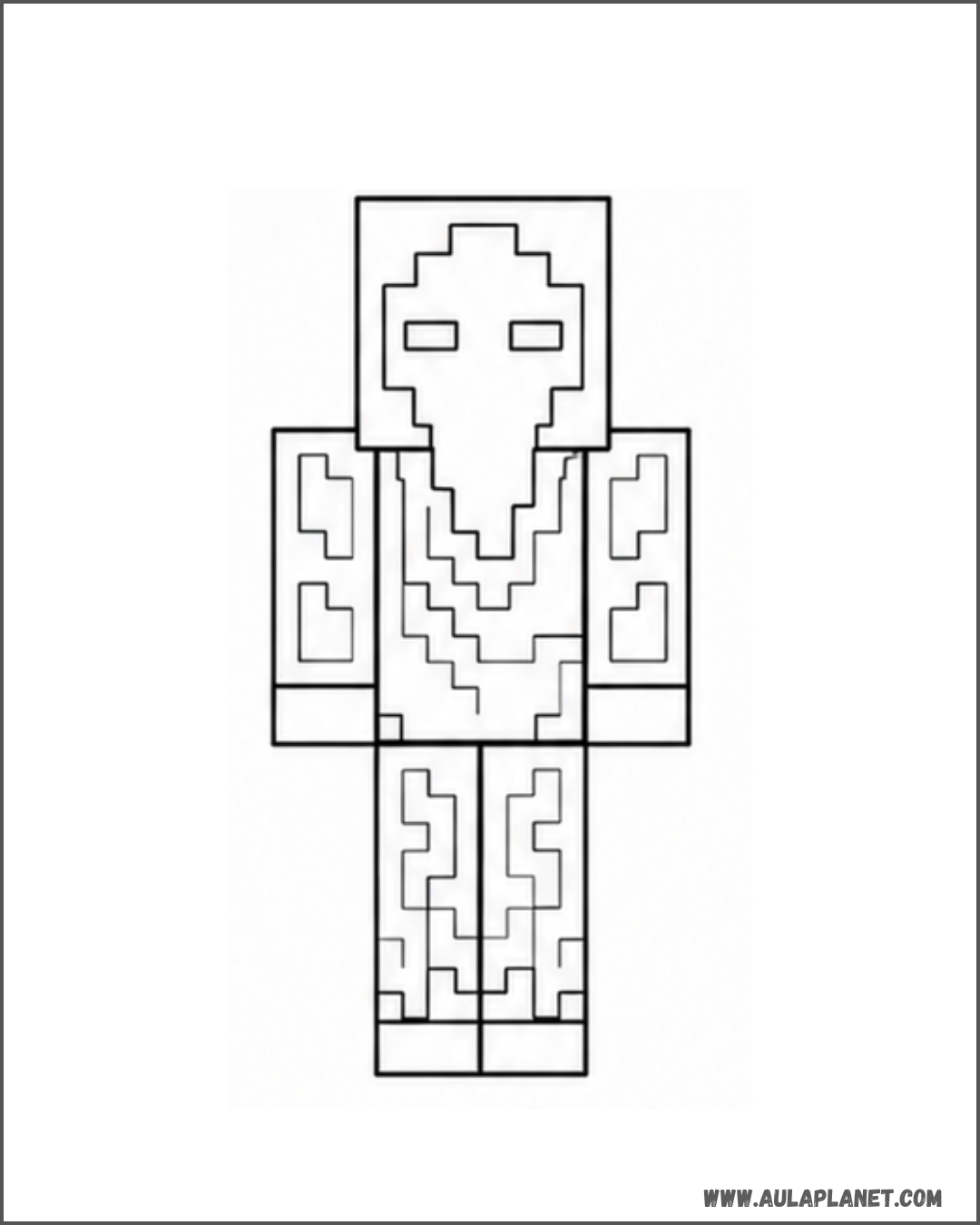
Go over the final lines
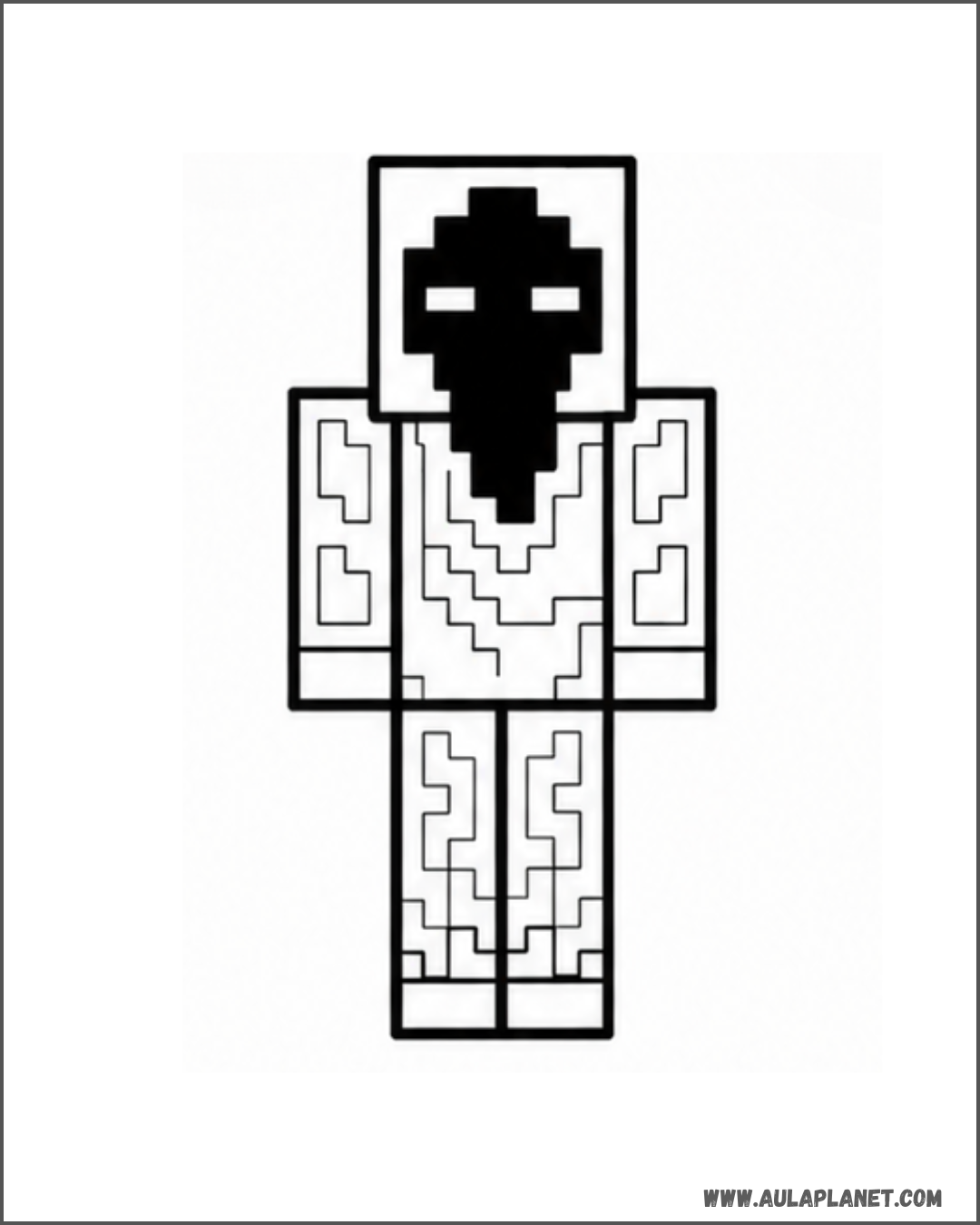
Firmly outline all the finished shapes and fill in the face with black, leaving the eyes white to create the character's iconic contrast before moving on to color.
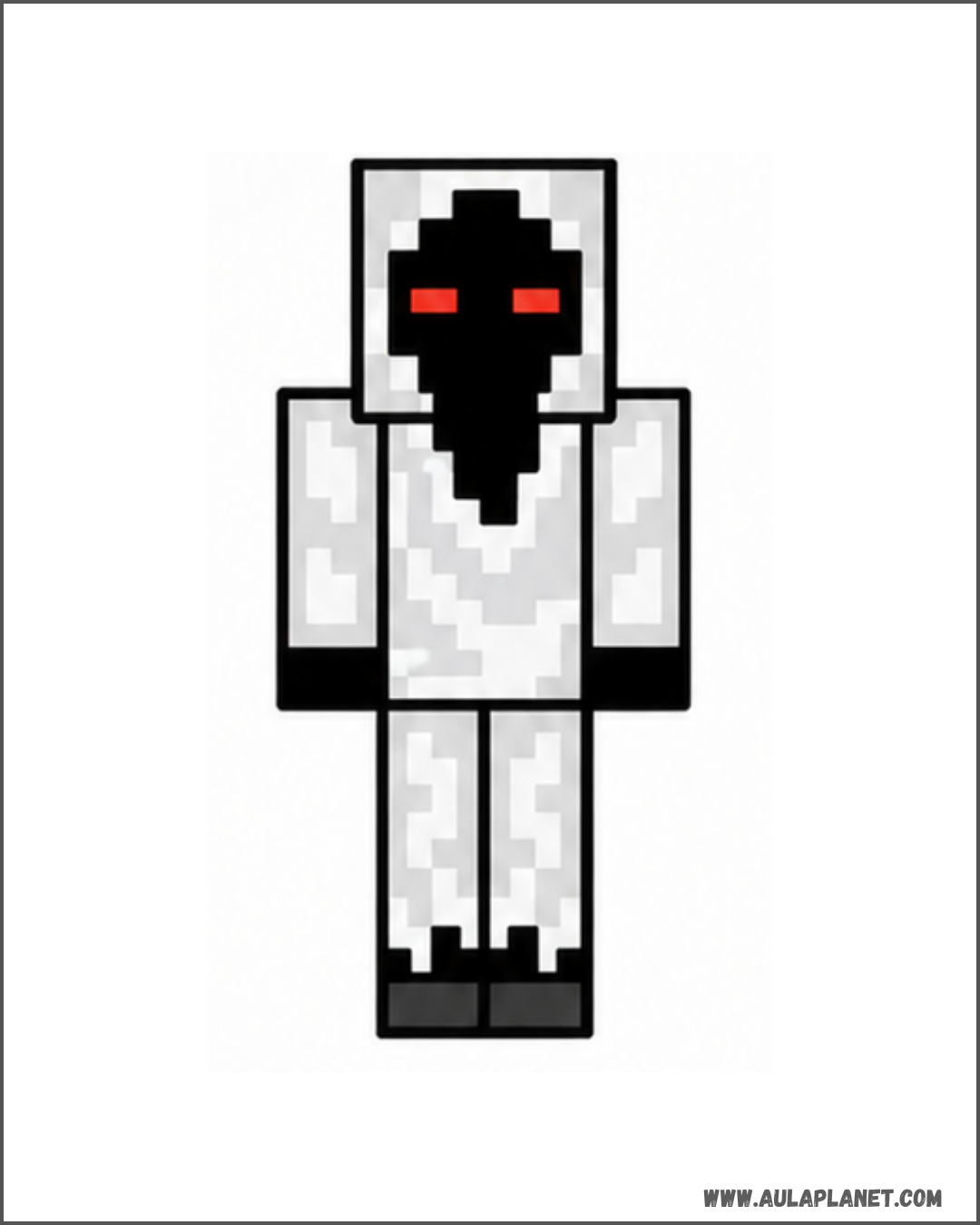
Here is Entity 303, finished and colored
Color the cloak with worn shades of gray and white, and give the eyes a vivid red glow. You can stick to this reference or use your own color palette to create your unique version of Entity 303.
Do you want to keep drawing Minecraft characters?
Explore more Minecraft, video game, and other themed tutorials so you can keep practicing with your favorite characters and improve your drawing, step by step.
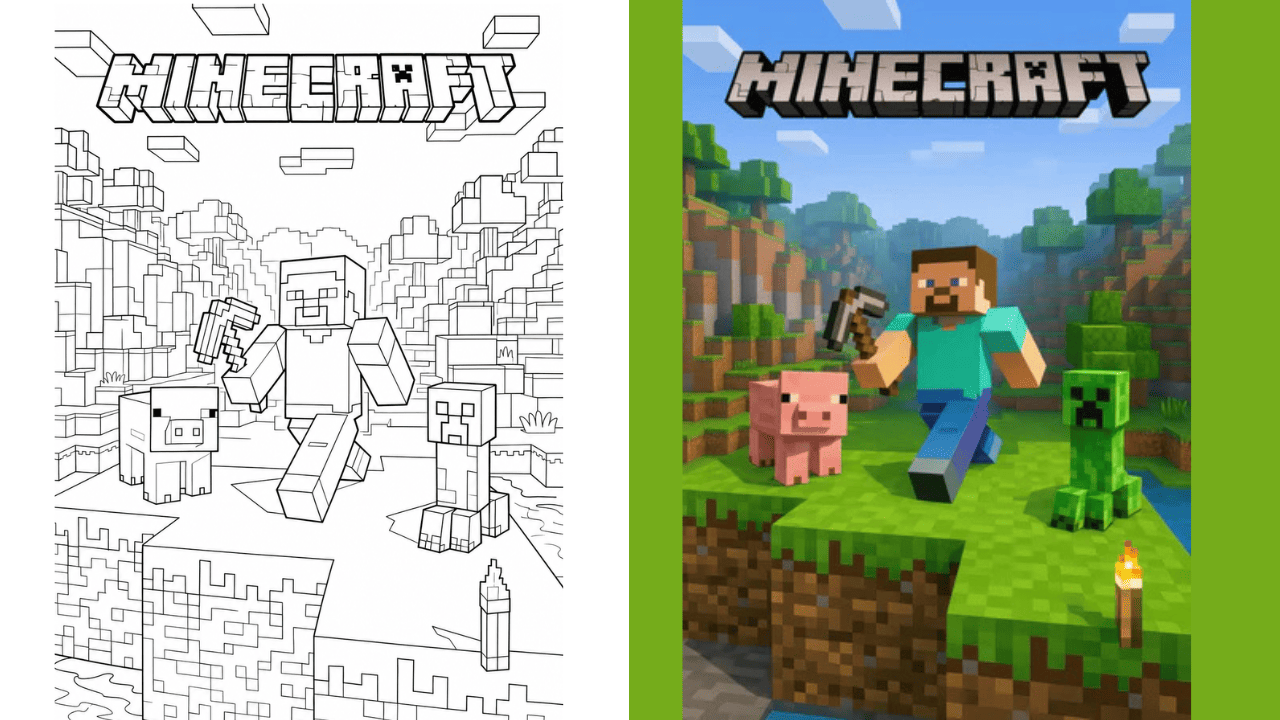
Would you like to color Entity 303 and other Minecraft characters?
After you learn to draw Entity 303, you can also download and print Minecraft drawings for coloring, completely free. You’ll find creatures, characters, and scenes ready to be painted.
See Minecraft Coloring PagesFAQs about drawing Entity 303
Clear up common doubts before starting this step-by-step drawing tutorial.
Is it hard to draw Entity 303?
No, the tutorial breaks the drawing down into simple steps, from the outline of the body to the face and final details, making it easy even for those just getting started with drawing.
What materials are recommended for this drawing?
You just need a pencil, eraser, drawing paper, and a black marker for the outlines; colored pencils are perfect for the finishing touches on the cloak and eyes.
Where does the character Entity 303 come from?
Entity 303 is a legendary figure within the Minecraft community, associated with mysterious stories and legends from within the game.
Can children follow this tutorial?
Yes, each stage includes a clear reference image, making it easy for kids to follow along with an adult or on their own.
Can the color scheme for Entity 303 be customized?
Absolutely! Although the tutorial shows a palette of grays, whites, and reds, you can experiment with different colors to create your own version of the character.