How to Draw Lilypad from Toy Story 5
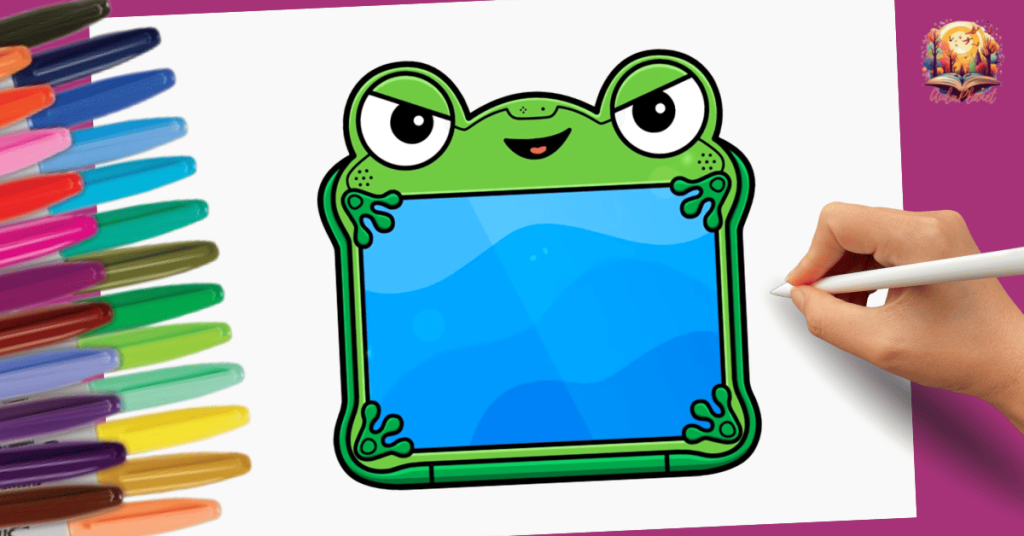
Lilypad is the frog-shaped tablet who serves as the villain in Toy Story 5, and ever since the movie was released, it's become one of the most requested characters. I’ve broken down the process into 5 pencil steps and one final stage for coloring.
What you need to draw Lilypad
This is exactly what I use in the tutorial. These supplies are all you need from start to finish.
- Drawing pencil: for sketching steps 1 to 5. → https://amzn.to/4bjFOmw
- Eraser: erases cleanly without smudging or tearing the paper. → https://amzn.to/4rkhXsA
- Black marker: for outlining the final lines. → https://amzn.to/4syCta7
- Colored pencils: greens for Lilypad. → https://amzn.to/4buNraV
- Drawing paper: sturdy enough for erasing and markers. → https://amzn.to/4b1y1uJ
How to draw Lilypad step by step
Step 1: the top of the head
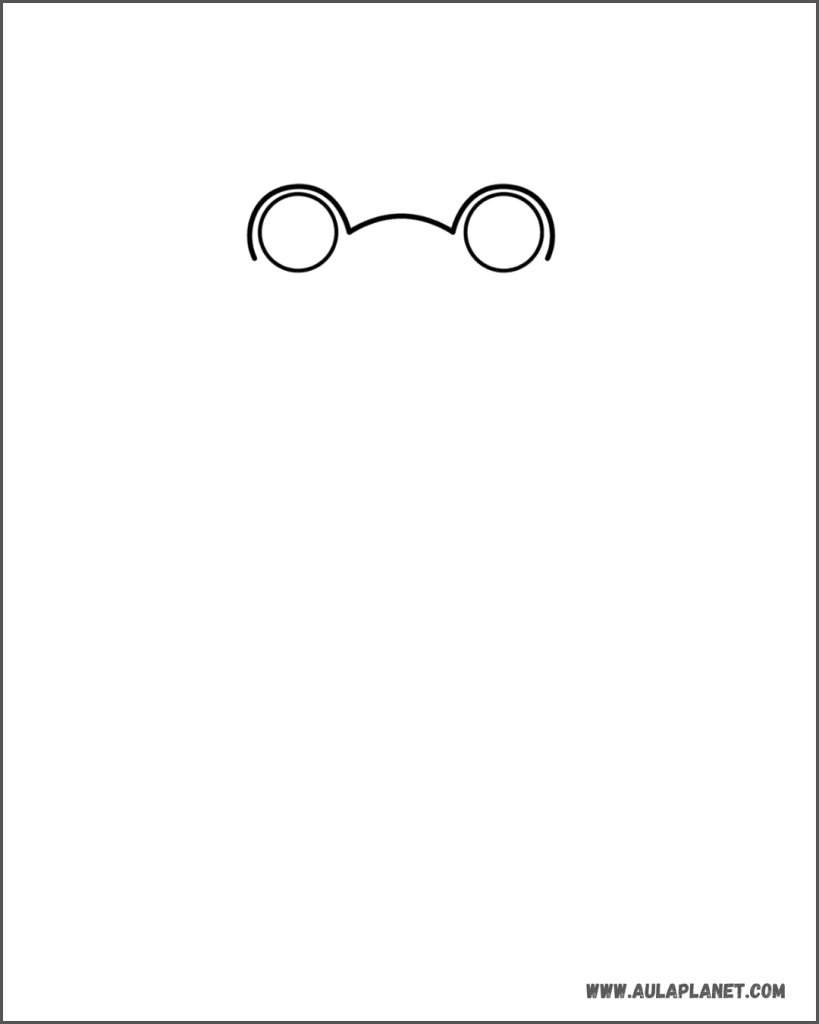
Start at the top with two circles of equal size, spaced apart: they’re Lilypad’s frog-like bulging eyes. Outline each eye with a slightly larger arc, leaving a narrow border around them. Connect both eyes with a gentle upward curve to form the forehead.
Step 2: the main shape
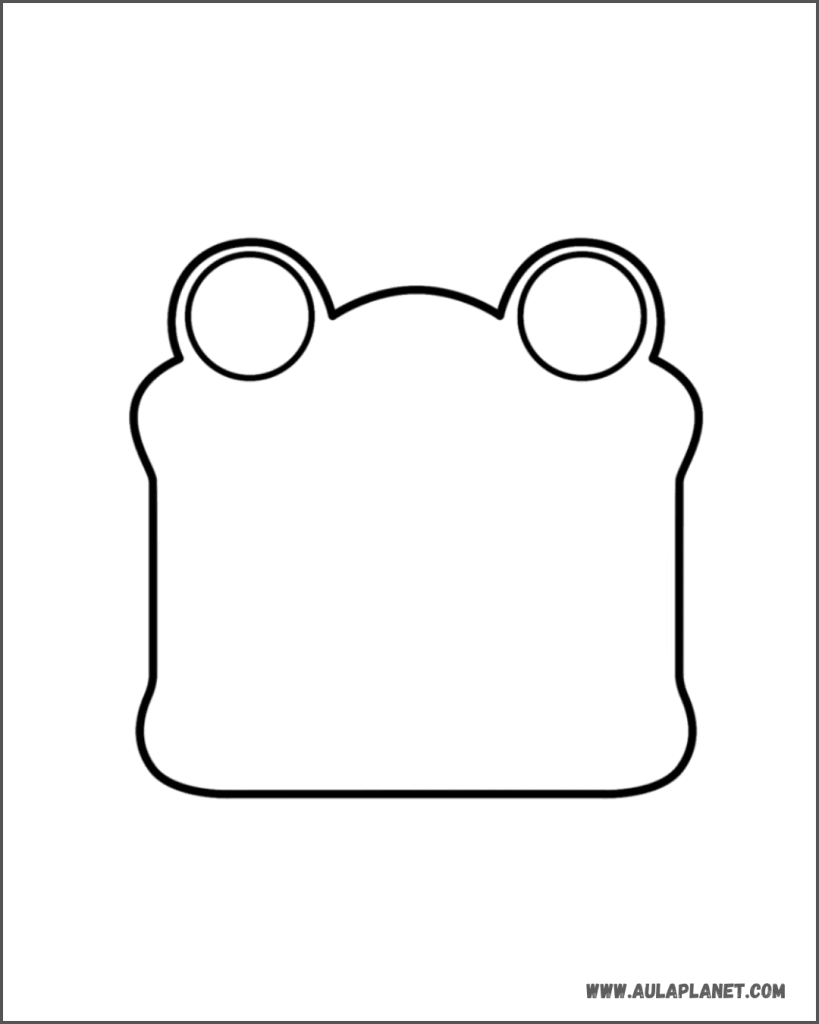
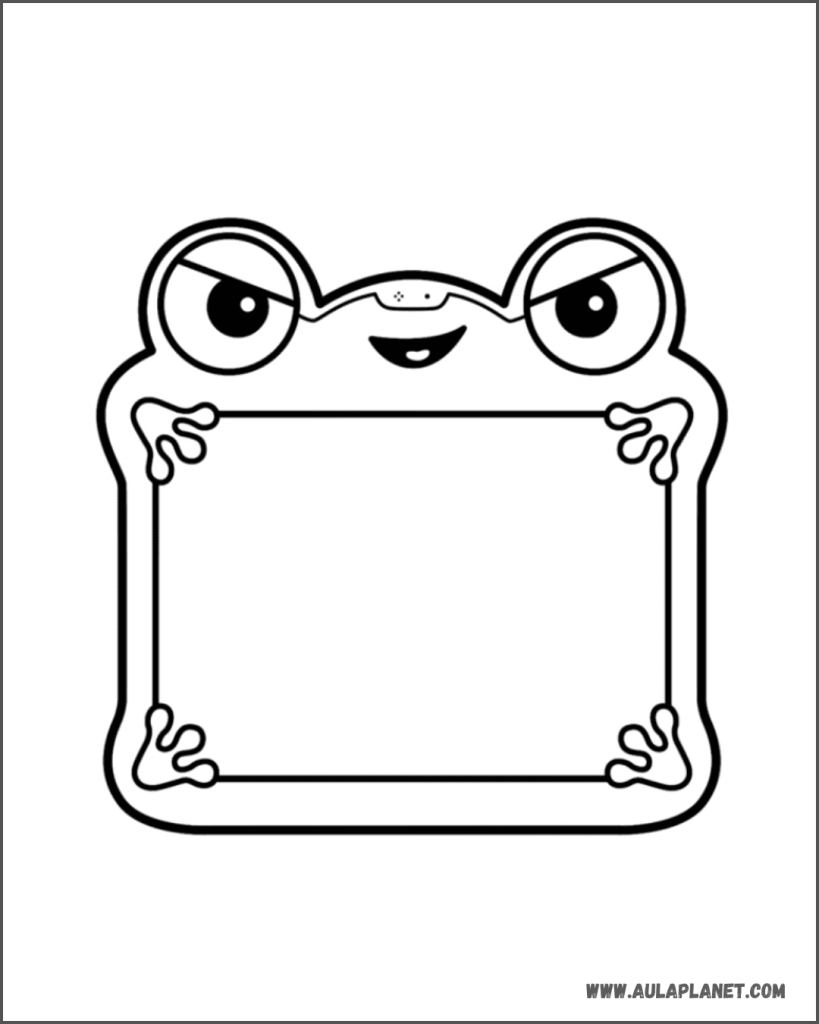
From the eyes, bring down the outline of the tablet. Just below the eyes, the sides puff out a bit like cheeks, then continue straight down. Near the bottom, it widens again before closing off with a flat base and rounded corners. It’s almost like a squishy square.
Step 3: the screen and hands
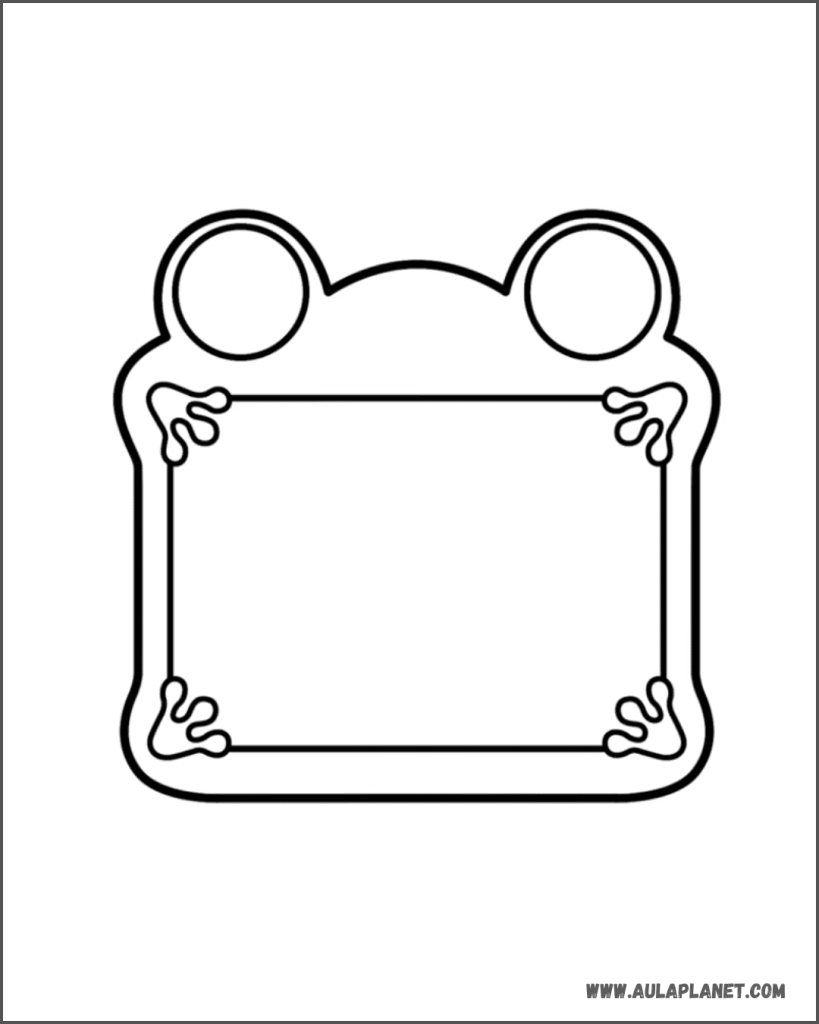
Draw a rectangle inside the body, on the lower half: this will be the screen. Then, at each corner, add a frog leg holding it up. Each leg has three long fingers with a round tip. The upper legs point outwards and up, while the lower legs point out and down.
Step 4: the eyes and face
Here's where Lilypad’s personality comes through. Inside each eye, draw a diagonal line, lower towards the center, like half-closed eyelids—this gives her a villainous glare. Below, add a large black pupil with a small white highlight. On the forehead, add a small piece with two dots for the tablet's camera. Below that, sketch a wide smile with her tongue peeking out.
Step 5: the final details
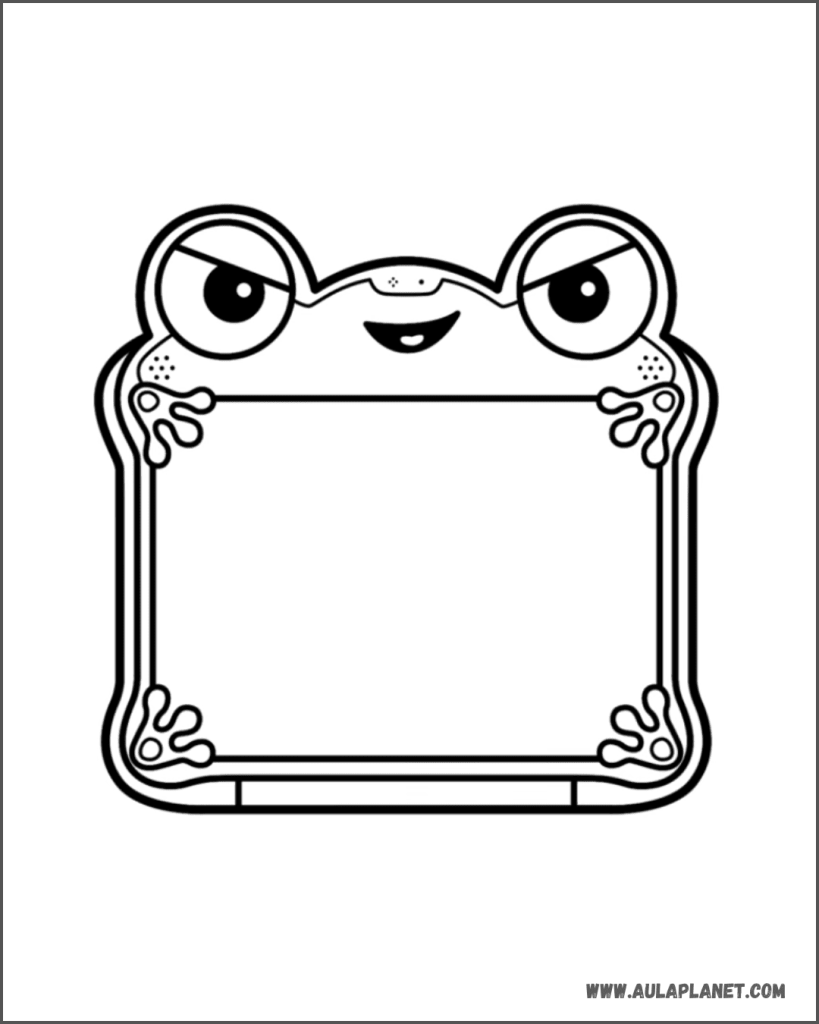
Trace another line around the entire body to add thickness, as if it had a protective case. Add some dots on each cheek for the speakers, and a long bar at the base that acts as a button. Go over the drawing with a black marker and erase the pencil lines.
Final result: Lilypad colored
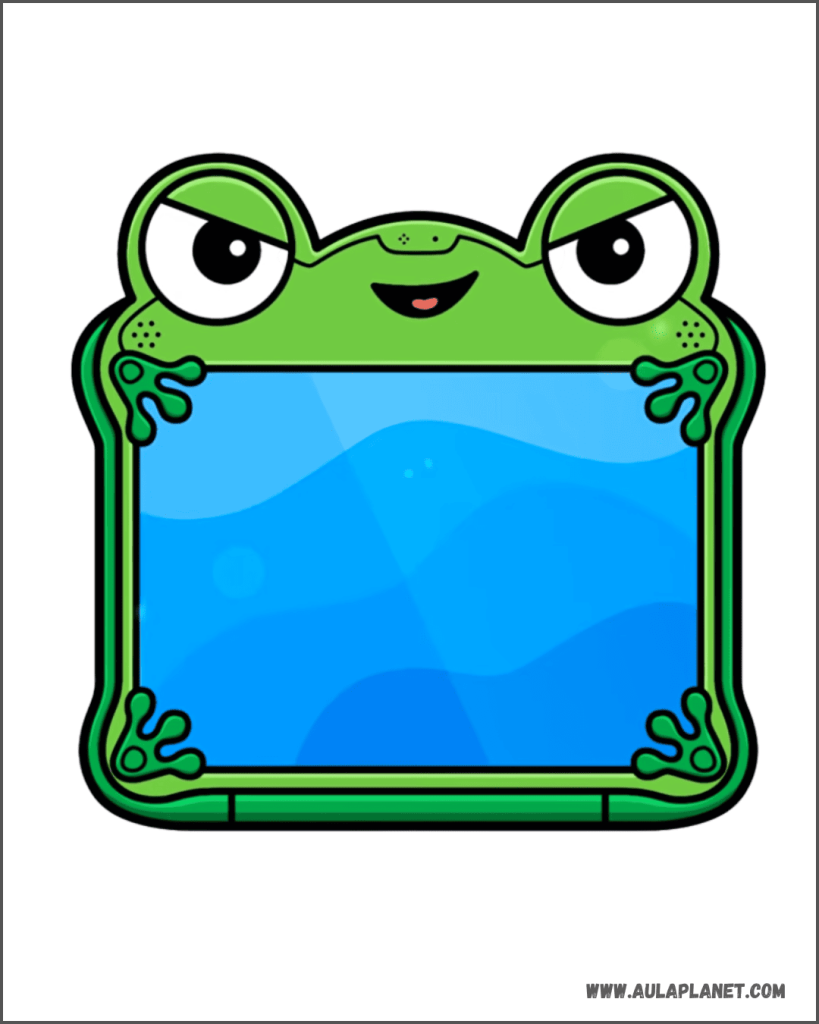
Color the body light green and the case around it a darker green—the same shade as the legs and fingers. Leave the eyes white with black pupils, and color the tongue pink. The screen looks best with several blue waves, lighter at the top and darker at the bottom to make it look like it’s glowing.
More tutorials you may like
If you enjoyed drawing Lilypad, here are more Pokémon, Roblox, and other video game character tutorials to keep practicing step by step: